This is a paid post
As a small business owner of On The Nice List Designs, there is no greater joy than hearing the ‘ker-ching’ of an order being placed and someone buying something from your shop. It is the best feeling but with the orders comes the work and I’m always looking for ways of being more productive or working more efficiently. One of the ways I’ve been able to work more efficiently lately has been with the use of the MUNBYN Thermal Label Printer. It is a game changer, allowing me to print my postage labels with ease and without the fuss.
What is the MUNBYN Thermal Label Printer?
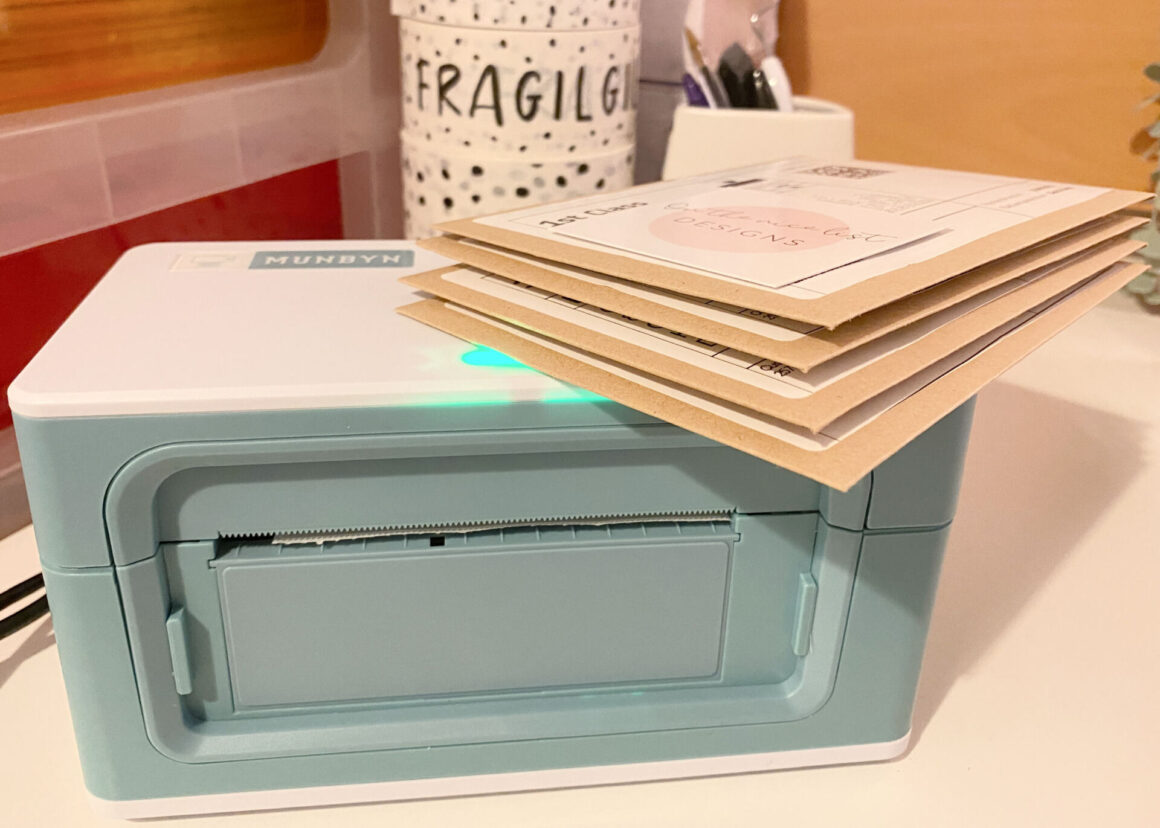
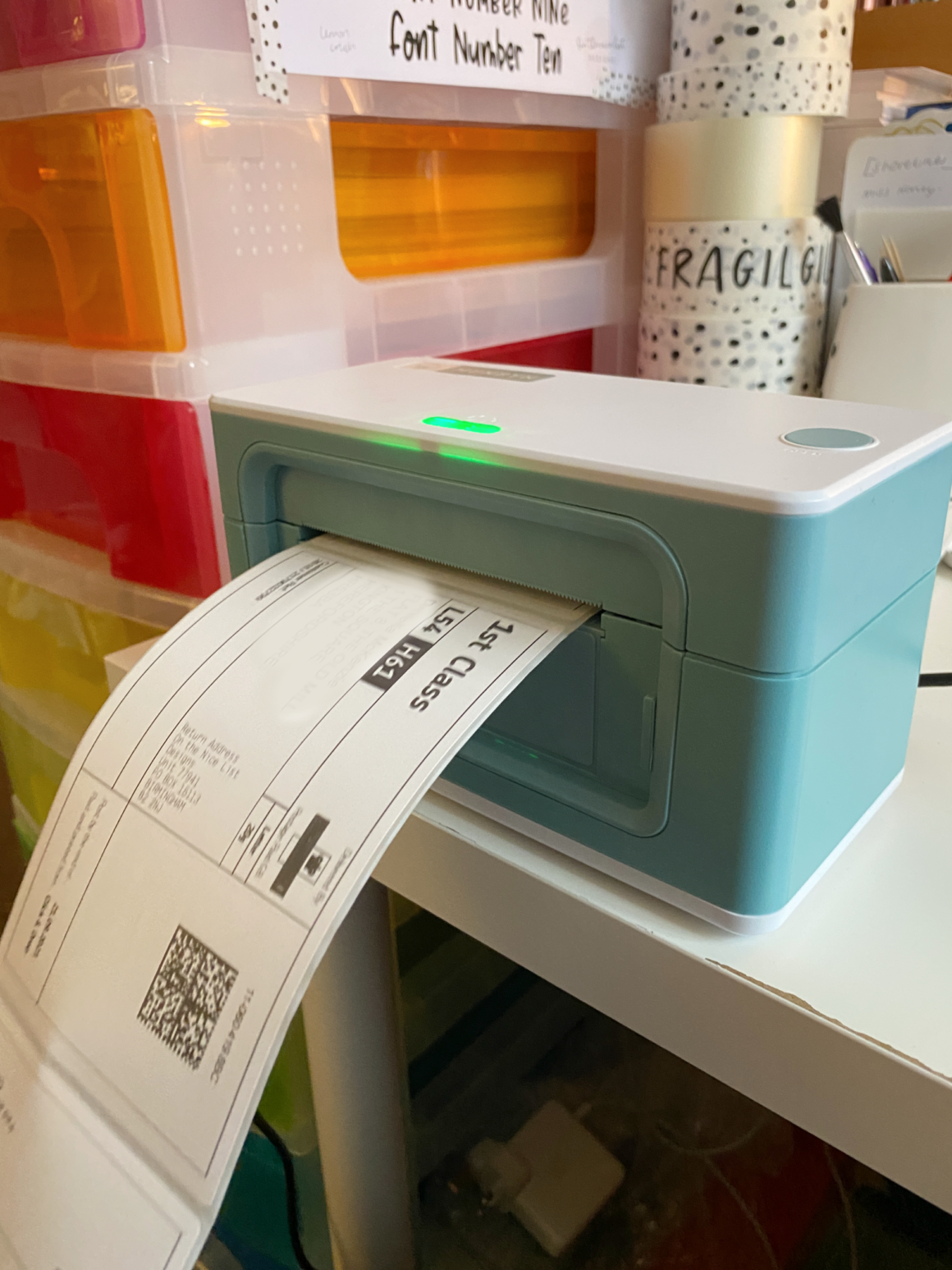
The MUNBYN Thermal Label Printer is a must for any small business. It’s compact size allows it to sit neatly on my desk and allows me to print my postage labels for my customers orders. It’s very clever and uses heat to create the label. When the paper passes through the thermal print head, the thermal print head will heat the coated thermal paper, but not all areas on the thermal paper. The heated area is the same as the print. The text is consistent with the image. The coating turns black after being heated, and these black shapes are the text and images to be printed.
How easy is it to set up and use?
The MUNBYN Thermal Label Printer is super easy to set up and use. I have installed it on my desk next to where I sit with my laptop for ease of use. I unboxed the contents and within ten minutes I was printing off labels for my orders. It’s that easy to use.
Inside the box is a set of quick start instructions and more information about where to find the instructions online. The one minute installation set up means you don’t need to install any ink or paper, you only need the thermal labels. The QR code inside the box was really helpful and allowed me to set up the printer in next to no time.
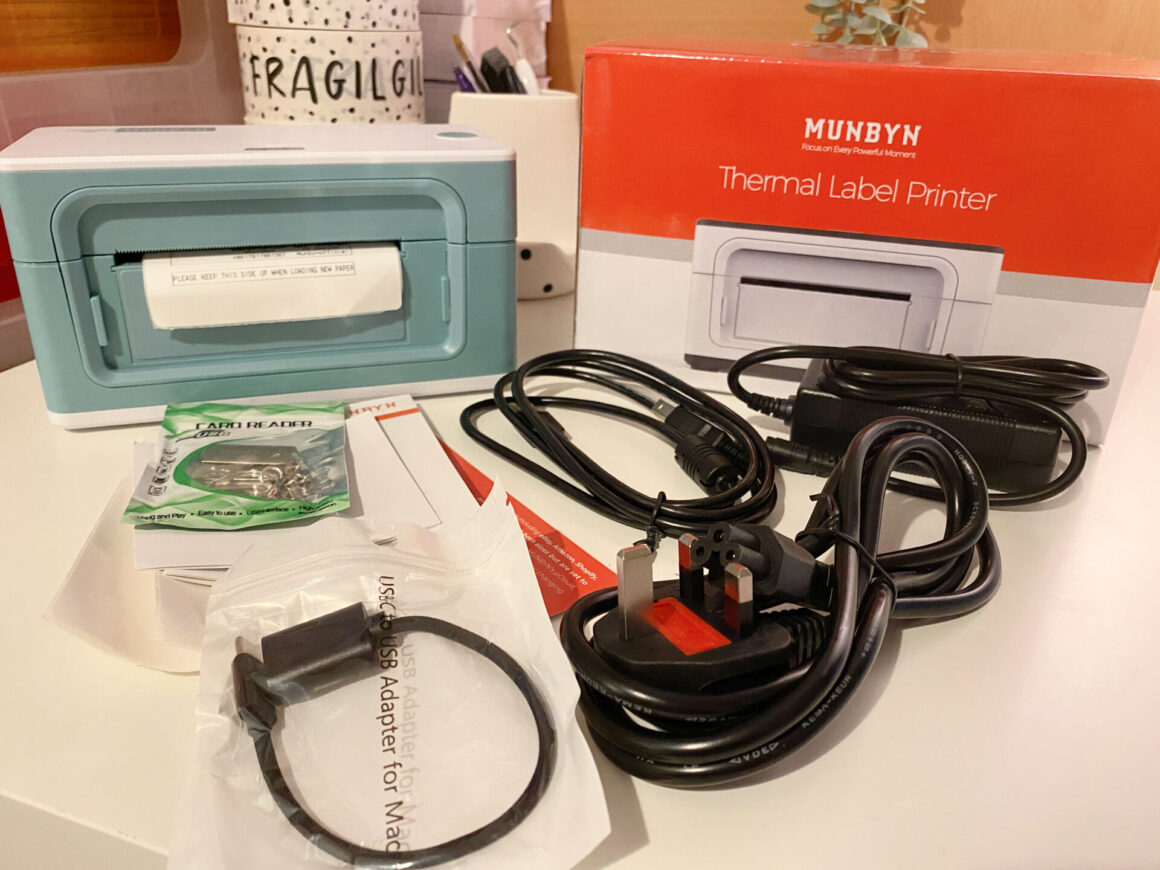
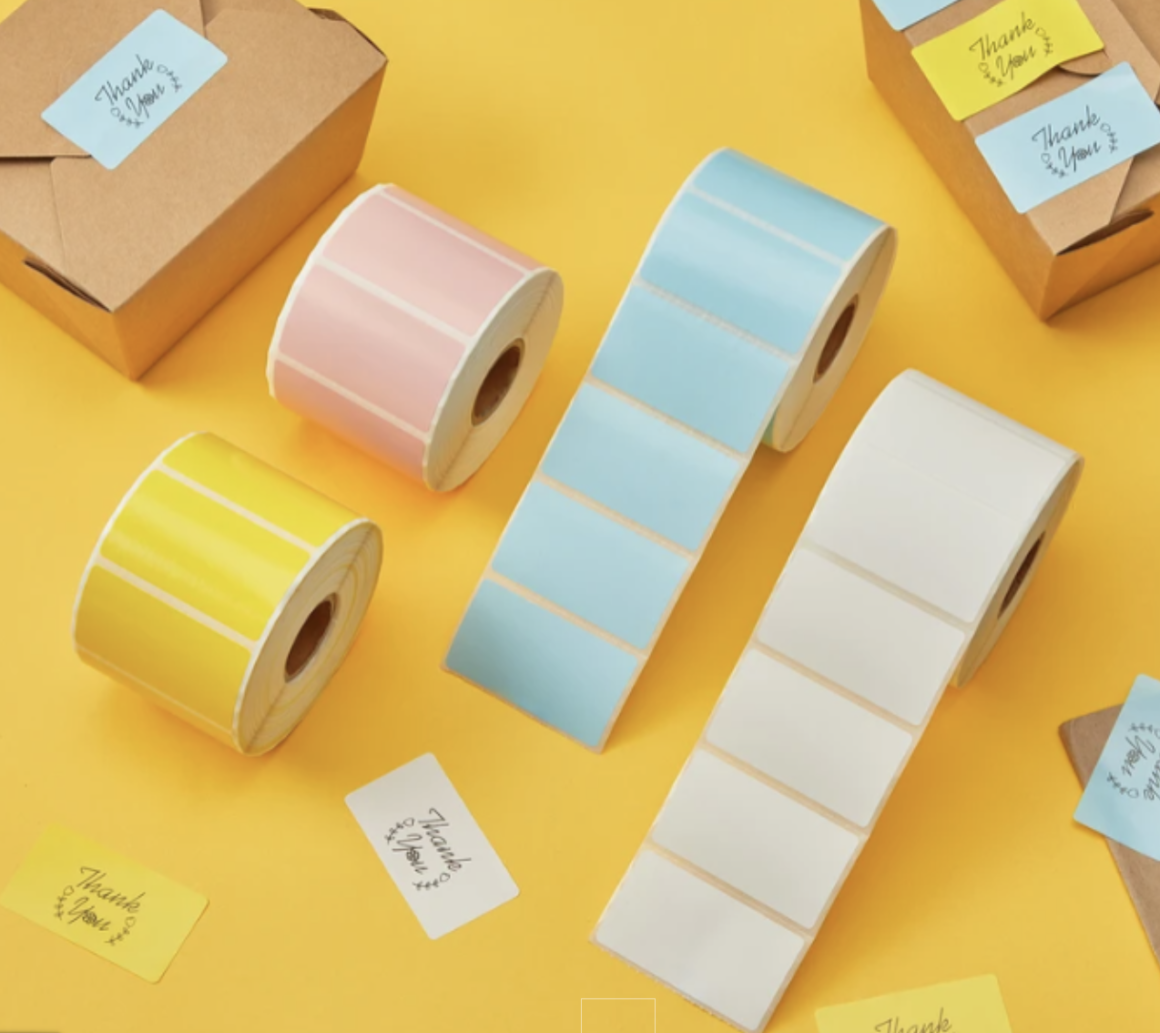
The label printer has an automatic label identification function which makes it suitable for any thermal direct labels from 1.7″ to 4.1″ wide with no restriction on the label height, ideal for 4″ x 6″ shipping labels which I use daily for my Etsy business. It’s compatible with all major shopping platforms which makes it super easy to use. Apparently it can also print up to 700 labels in one go, I’ve yet to try this function but how brilliant is that? It even stops for a rest throughout to prevent overheating.
Reasons why your small business needs a MUNBYN thermal label printer
- It is quick and easy to install
- I can print off 6″ x 4″ labels with a click of a button
- There is no fuss, just click, print and post
- It will save you time!
- No ink to install or mess made
- Can print 700 continuous labels
- Will save you handwriting all your business postage labels
- Can specify UK, US, EU or AU plug upon ordering

I have been using the MUNBYN thermal label printer for a while and I wouldn’t go back to the way I was previously printing labels. The label printer just shaves off so much of the time I was preparing labels and writing addresses, it’s just really convenient to use, if you print lots of postage labels or make your own stickers, I can highly recommend it.
Discover more from Hello MrsShilts
Subscribe to get the latest posts sent to your email.